 Cyber Matrix Today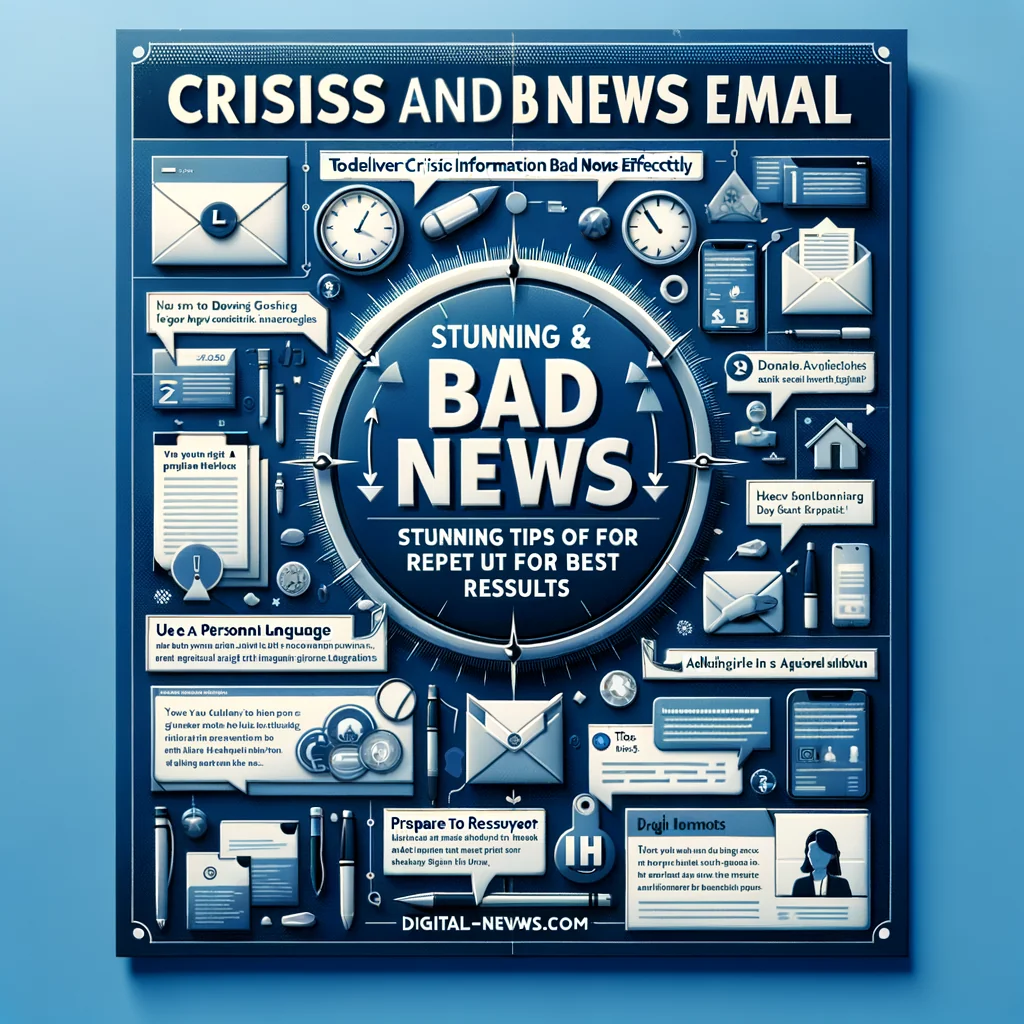
Crisis and Bad News Email: Stunning Tips for Best Results
Bad news by email is hard to write and even harder to read. Yet people expect clear, fast updates when something goes wrong. Good crisis emails reduce...
In this article

Bad news by email is hard to write and even harder to read. Yet people expect clear, fast updates when something goes wrong. Good crisis emails reduce confusion, protect trust, and stop rumors from filling the gap.
When Email Is the Right Channel for Bad News
Email works well for many types of negative updates. It creates a written record, reaches large groups fast, and gives readers time to process. The key is to know when email is enough and when it needs support from other channels.
Email is usually suitable for clear news that affects a defined audience, such as customers, staff, or partners. For example, a service outage, a product recall, or an internal restructuring often starts with a structured email, followed by meetings or FAQs.
Situations email can handle
Use email for bad news when people need specific information more than emotional support. The news may feel disappointing or stressful, but they mainly need facts and next steps.
- Service interruptions or outages
- Delays in orders, launches, or projects
- Policy changes that affect fees, access, or features
- Data incidents with clear scope and response
- Organizational changes, such as leadership moves or team shifts
For deeply personal loss, layoffs, or safety threats, email should not be the first or only channel. In those cases, use email to confirm details already shared in person or live, and to provide written instructions and support options.
Core Principles of Crisis Email Communication
Strong crisis emails look simple, but they rest on a few firm principles. These messages put clarity ahead of spin and show respect for the reader’s time and feelings.
1. Be fast but accurate
People fear silence more than bad news. During a crisis, send an early email once the key facts are confirmed, even if some details are still missing. A short, honest “we are still investigating” is better than no signal at all.
Speed does not excuse errors, though. If you rush and send wrong numbers, wrong dates, or wrong impact, you damage trust and may need to correct yourself later. Build a simple approval path in advance so that you can publish quickly without skipping checks.
2. Own the problem
People scan crisis emails for one core message: “Do you accept responsibility?” Passive phrases such as “issues were experienced” sound evasive. Clear ownership shows maturity and lowers anger.
Write with direct subjects and verbs. Say what happened and who is fixing it. Readers want to know that real people are handling the issue, not hiding behind vague language.
3. Put humans before image
The main goal of a bad news email is to help the people affected, not to protect a brand or a manager’s reputation. If readers sense that you care more about saving face than solving the problem, they stop listening.
A plain, empathetic sentence often goes further than a long corporate apology. For instance: “We know this disrupted your workday, and we are sorry” lands better than a long paragraph of abstract regret.
Structure of an Effective Crisis Email
A clear structure calms readers who feel stressed. They should be able to scan the email and find the key points in seconds, without reading every word.
Suggested step-by-step structure
The following sequence works for most crisis-related messages and helps keep the email tight but complete.
- Subject line: state the event and urgency
- Opening: name the problem in one or two sentences
- Impact: explain who is affected and how
- What happened: give brief context, without excuses
- What we are doing now: current actions and timeline
- What you should do: clear steps or “no action required”
- Support: where to get help or more information
- Closing: short apology or reassurance, plus sign-off
This structure may look formal, but it works well in high-pressure moments. People in crisis hold limited attention, so predictable sections help them jump straight to what they need most.
Examples of strong subject lines
The subject line sets expectations. It should be honest, specific, and calm. Avoid clickbait or vague headlines that force people to open the email in fear.
Here are a few direct patterns you can adapt:
- “Service outage: [Product] currently unavailable for some users”
- “Update: Delay to your [order / project name]”
- “Security notice: Unusual activity detected in [system]”
- “Important update about your [account / subscription]”
Add time markers like “Status update as of 14:00 UTC” for ongoing crises. This shows that the email reflects a specific point in time, which reduces confusion as the situation changes.
Choosing the Right Tone and Phrases
Tone is often what people remember long after the details fade. The wrong phrase can turn a tense but manageable moment into open conflict, while a careful phrase can calm a heated group.
Helpful vs unhelpful phrases
Certain word choices encourage trust and cooperation. Others trigger defensiveness. Small changes in phrasing can shift how people read your intent.
| Goal | Avoid | Use Instead |
|---|---|---|
| Accept responsibility | “Mistakes were made.” | “We made a mistake in how we handled…” |
| Show empathy | “We apologize for any inconvenience.” | “We know this disrupted your plans, and we are sorry.” |
| Describe impact | “Some users may be affected.” | “Customers in Europe could not log in between 09:00–11:30.” |
| Explain delays | “We are working on it.” | “Our engineers are testing a fix and we will update you by 16:00.” |
| Guide action | “Users are requested to check their settings.” | “Please change your password using this link before Friday.” |
Simple, active language feels more honest, even when the news is bad. Readers do not expect perfection, but they do expect clear effort and straight talk.
How Much Detail to Share
Too little detail fuels rumors. Too much technical detail overwhelms readers and may even expose sensitive information. The right level sits between those extremes and depends on who receives the email.
Match detail to audience
A group of engineers may want logs and technical timelines. Customers usually want clear answers to three questions: “Does this affect me?”, “What should I do?”, and “Can I trust you after this?” Adjust the depth of explanation based on those needs.
A helpful rule: share enough context so that a reasonable reader can understand what went wrong at a high level and why your response makes sense. Skip internal drama, blame, or speculation about people or motives.
Handling Emotion and Empathy in Writing
Email strips away tone of voice and body language, so readers project their own mood into the text. Thoughtful wording can soften this effect and show that you see them as people, not case numbers.
Ways to show genuine care
Empathy in crisis emails does not require dramatic language. It rests on small, honest lines that show you understand how the situation feels on the other side of the screen.
- Recognize the disruption: “We know you planned your event around this delivery.”
- Acknowledge stress: “We understand that security issues can feel worrying.”
- Respect their time: “To save you time, here is a brief summary before the details.”
- Offer control: “You can choose from these options for a refund or reschedule.”
One small test helps: read the email as if you were the most affected person on the list. If any sentence would make you feel dismissed or blamed, rewrite it.
Common Mistakes in Crisis Emails
Many crisis messages fail for predictable reasons. Avoiding a few common traps already puts your email in a stronger position.
Frequent errors to avoid
The following mistakes often appear when people rush or try to protect themselves too much. Keeping them in mind while writing helps you stay clear and fair.
- Hiding the bad news deep in the email instead of stating it early
- Blaming abstract causes or “third parties” without owning the outcome
- Using jargon that normal readers cannot decode
- Promising exact timelines you cannot keep under pressure
- Sending mass emails with wrong names or segments
- Ignoring follow-up questions or failing to send updates
A quick peer review before sending can catch many of these issues. Ask a colleague who is not part of the crisis team to read the draft and share what they understand after one scan.
Follow-Up: After the First Bad News Email
The first email opens the conversation; it rarely ends it. People who receive bad news want to see progress and closure, not a single message and silence.
Plan your update rhythm
Set and share a clear update schedule. Even if nothing changes, people feel more secure when they know that another email is coming at a specific time, rather than guessing or refreshing their inbox.
A simple pattern works well: send an initial alert, follow with one or two status updates, and close with a “post-mortem” or summary once things are stable. The final message can share what you learned and what you will change to reduce the risk of a repeat.
Quick Checklist Before You Hit Send
A short checklist can keep your message clear under pressure. Run through these points in order before sending a crisis or bad news email.
- Is the subject line direct and accurate?
- Can readers see the core bad news in the first three lines?
- Have you clearly stated who is affected and how?
- Do you explain what you are doing and when you will update again?
- Is there a simple “what you should do now” section?
- Does the tone show responsibility and respect?
- Have you checked names, links, and key numbers?
With this kind of discipline, crisis emails become a tool for stability instead of a source of extra confusion. Clear, honest writing will not erase bad news, but it can help people feel informed, respected, and supported while they deal with it.